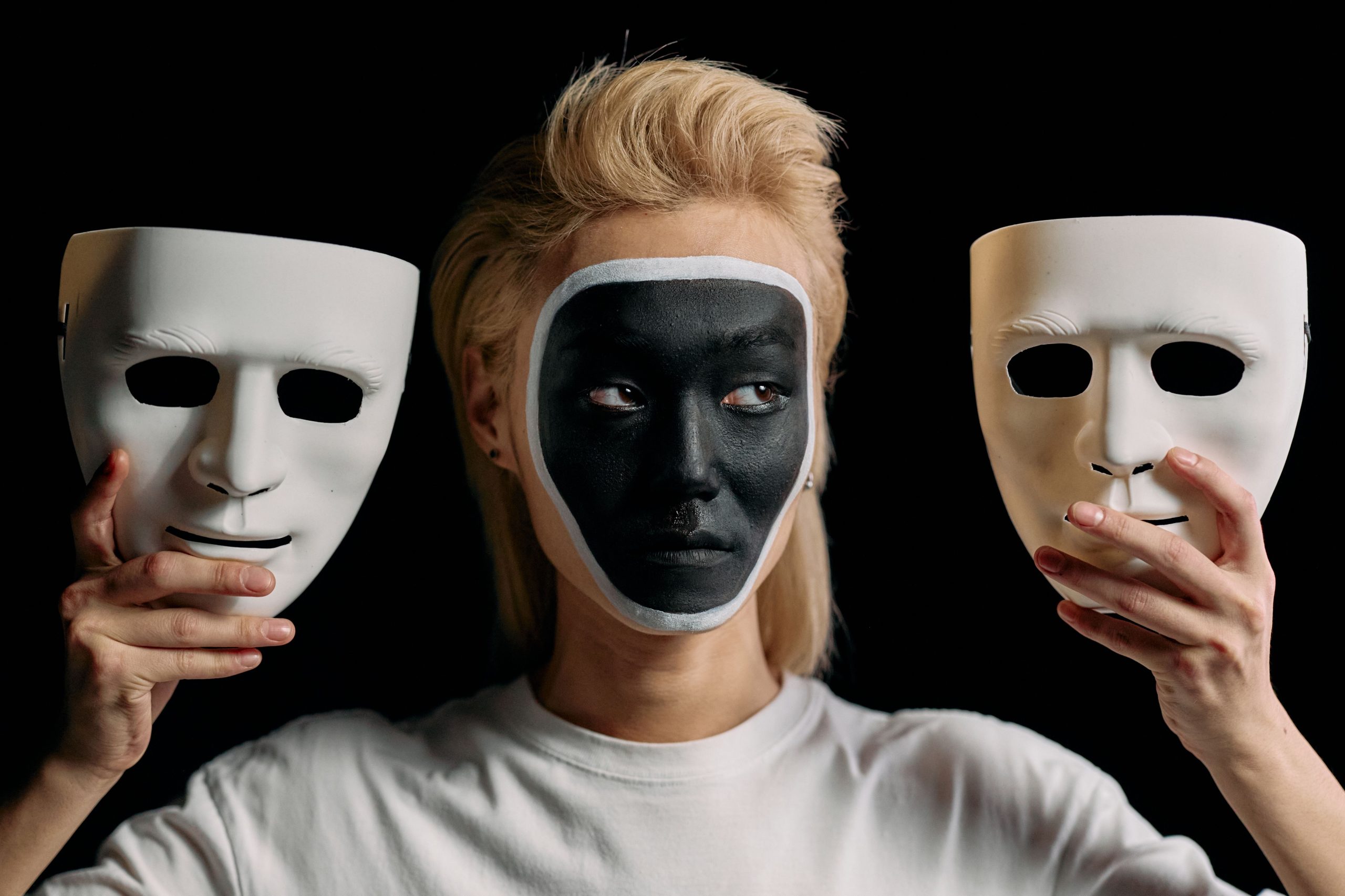

Have you ever come across a face swap video and spotted that something is off? You may notice that the face does not move naturally, the skin tone may look different, or the expressions look out of place. This can ruin a fun video in seconds. Thankfully, AI face swap video tools have made so much progress in recent times. They are capable of making your videos look realistic and offer advanced features for free to try. Here are some of the best AI face swap video tools to try:
1. Magic Hour
After comparing the top tools in the market, I can say that Magic Hour is one of the best options. The face swap features handle expressions well; users can adjust lighting, and you can also get accurate head movement. Moreover, it can also handle group videos well. What I liked about the tool is that you get more features apart from face swapping. Users can create lip-sync videos, talking pictures, and image-to-video content. You can also make more using multiple AI models, templates, and multi-step workflows. You can try its video face swap ai tool for free before upgrading.
| Pros | Cons |
| You will get realistic video face swaps | Some advanced features are paid. |
| You will get multiple features in one platform | Credit usage will also depend on your plan. |
| You get multiple AI models and creative tools | |
| The tool will provide templates and fast creative workflows | |
| Users can also test their API and scalable infrastructure |
Pricing: Free plan available. Paid plans start at $15/month.
2. AKOOL
You can try AKOOL if you are looking for features that offer more than just basic face swapping. The best thing I liked about this tool while testing is that I was able to swap faces, test avatar creation, translate videos, make lip-sync videos, and make talking photos easily. And all this was done in one single console. Moreover, I liked that it was able to detect more than one face while creating a video. The marketing team will benefit the most from this tool. Trust me on this; the tool will make the whole process easy for you.
| Pros | Cons |
| Users can try advanced face swap and avatar tools | It may feel complex for beginners |
| The tools will support longer videos | Better features require paid access |
| It is useful for marketing content |
Pricing: Free plan available. Paid plans and credit-based usage will be based on your needs.
3. DeepSwap
If your main focus is face swapping only, DeepSwap is worth giving your attention. Users can try multiple formats like video, photo, and GIF face swaps. Moreover, the best feature I like to highlight about the tool is HD face swap. One more thing I liked while testing is that the platform is simple to use. You don’t have to spend time analysing how to use the tool. It can be the best fit for creators who create TikTok videos or short videos. The platform will also offer video face swaps of up to 30 minutes only if you have premium access to the tool.
| Pros | Cons |
| The tool is quite simple to use | It is focused mainly on face swapping |
| The tool supports multiple formats like video, images, and GIFs | You need credits for creating videos |
| You can also try HD face swap | The tool may have lesser editing tools as per your requirements. |
Pricing: Premium plans are available at $19.99/month.
4. Remaker AI
Remaker AI is another good option I would recommend if you are looking for face swapping alongside other AI image and video tools. One of the best features I loved is batch video face swapping. In this, you can upload several videos rather than processing every clip separately. You can upload videos with a size of 500MB and up to 30 minutes per video for the batch workflow. Creators can easily process multiple clips in one go rather than spending too much time on single processing.
| Pros | Cons |
| You get the batch video face swap feature | You will have to buy more credits for larger generations. |
| You get multiple features apart from face swapping. | You may get limited face mapping options. |
| The best tool for processing multiple clips. | The tool may get expensive for heavier use. |
Pricing: Credit-based pricing.
Why AI Face Swap Videos Are Becoming So Popular
Earlier, it was very difficult to use complex software and manually track all the adjustments in the video. One had to make several adjustments to get the desired results and make the final output look real. However, it has become simple with the help of AI tools. Users can now edit their videos, make changes to their characters, do social media customization, and create marketing variations.
Moreover, businesses can also use these tools to run regional campaigns and experiment with their creative ideas without shooting the entire video again. These tools focus more on facial tracking, expression matching, lighting, motion consistency, processing speed, and overall video quality.
Conclusion
The best AI face swap video tool will vary depending on your needs. DeepSwap and Remaker will work best for occasional face swap requirements. Moreover, AKOOL is a good choice if businesses want to create broader AI video content. However, Magic Hour is my top pick as you will get all features in one platform. So, pick the one based on your needs, and test it thoroughly before purchasing any plan.
FAQs
1. What is the best AI face swap tool worth trying?
Magic Hour is the best all-in-one tool. You will get comprehensive features like face swapping with lip sync, talking photo, video generation, templates, multiple AI models, and other creative tools.
2. Can I use these face swap tools for free?
Yes. Many platforms provide free access or free credits. However, you need to check the free plans. They usually set limits on resolution, credits, watermarks, or generation frequency.
3. Can AI face swap work with multiple people?
Yes. Some AI tools support multiple-face detection and mapping. For example, you can try Magic Hour, which offers multiple face swaps in a single video.